Turn your expertise into short-form video
AI-powered prompts for the questions your audience asks most. Just pick your topics, swipe, and record.

How it works
Three steps to your first video
Add your topics
Tell the app what you're an expert in — marketing, cooking, fitness, whatever your thing is.
Swipe through prompts
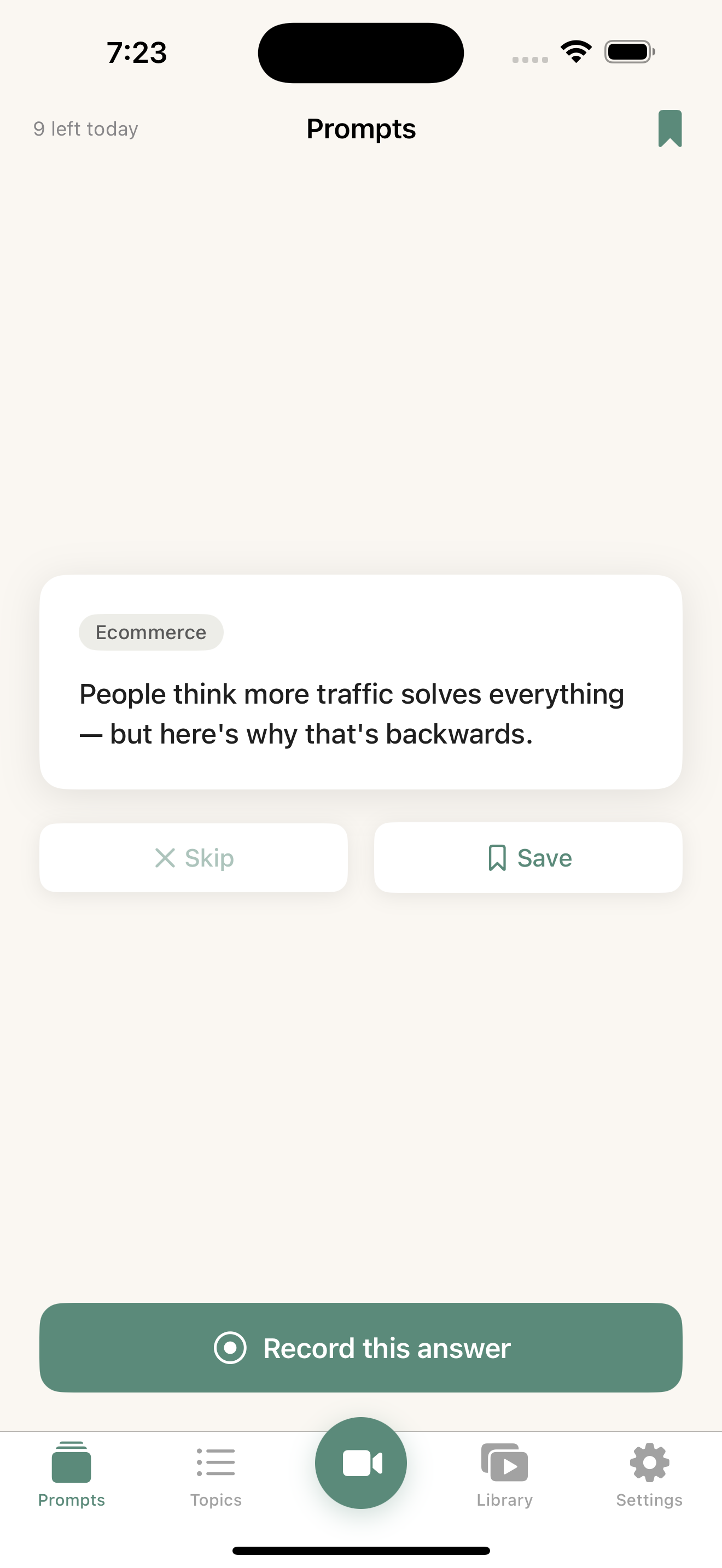
AI generates questions your audience actually asks. Swipe to find the one you want to answer.
Record & share
Hit record, answer the prompt, and share your video anywhere — social media, your website, or a direct link.
Everything you need to create
Built for experts who'd rather talk than write
AI-Powered Prompts
Get questions your audience actually asks, generated from your topics by AI that understands your niche.
Swipe to Record
Flip through prompts like a deck of cards. When one clicks, tap record — no scripting needed.
Vertical Video Ready
Record in 9:16 format — perfect for TikTok, Instagram Reels, YouTube Shorts, and LinkedIn.
Background Blur
Built-in background blur keeps the focus on you — no green screen or extra apps needed.
Shareable Links
Generate a direct link to any video. Send it to a client, embed it on your site, or drop it in a DM.
Cloud Backup
Your videos are backed up to the cloud automatically. Safe even if you lose your phone.
No Watermark
Remove the FAQ Videos watermark so your content looks fully professional.
Built for experts like you
If you have expertise and an audience, FAQ Videos gives you a system to share it.
Coaches & Consultants
Scale your advice beyond 1:1 conversations.
Content Creators
Build authority in your niche with consistent video.
Small Business Owners
Answer customer questions before they're even asked.
Service Professionals
Realtors, lawyers, therapists, accountants — become the trusted expert.
Your videos, everywhere
Record once, share anywhere. Cloud upload and share links are here.
Cloud Upload
Videos upload to the cloud automatically after recording. Your content is safe even if you lose your phone.
Share Links
Generate a link to any video and send it anywhere — Slack, email, social. Recipients watch instantly in their browser.
Video Management
Delete videos you no longer need, retry failed uploads, and reshare expired links — all from your Library.
Simple pricing
Start free. Upgrade when you're ready to go pro.
Free
Get started, no card required
$0 /month
- Up to 3 topics
- 12 prompts per day
- Record unlimited videos
- Local storage
- Background blur
- FAQ Videos watermark
Pro
For serious creators
$9.99 /month
- Unlimited topics
- Unlimited prompts
- Record unlimited videos
- Cloud backup
- No watermark
- Shareable video links
Loved by experts
Join creators who are turning their knowledge into video content
"I've been putting off video for years because I never knew what to say. Now I just swipe through prompts and hit record. Did 5 videos in my first session."
Marketing Consultant
"The share links are a game changer. I record a quick answer, send the link to my client, and they can watch it immediately. Way better than typing paragraphs."
Freelance Developer
"I added my ecommerce topics and the AI prompts were spot on — exactly the questions my customers ask. Background blur makes my home office look professional."
Ecommerce Store Owner
Ready to start recording?
Download FAQ Videos for free and record your first video in minutes.